
System requirements
We provide you with a custom Linux image. What you need:
- A Raspberry Pi 5 with minimum 4 GB RAM
- An appropriately sized SD card
- And SD card reader for Laptop or PC
- Recommended: active cooling fan
- Raspberry Pi Imager
Note: The Raspberry Pi 5 image also works on a Raspberry Pi 4. However, when using a Raspberry Pi 4, we recommend using the dedicated sklera Raspberry Pi 4 image instead. This image supports the Raspberry Pi 4’s GPU hardware acceleration (VideoCore VI).
Installation
- Download our image for the Raspberry Pi: https://sklera.tv/linux/raspi/image_2026-03-31-sklera-trixie-arm64-26.03-full.zip
- Connect your SD card reader to your Laptop or PC and insert the SD card.
- Install and launch the Raspberry Pi Imager.
- Select "Raspberry Pi 5".
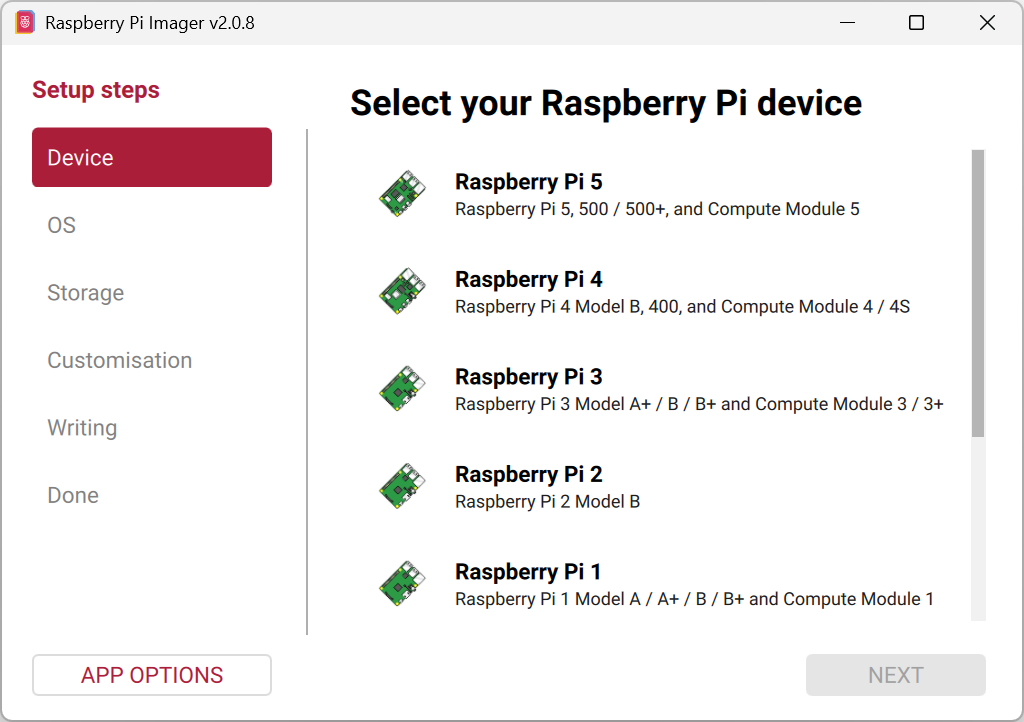
- Select "Use custom".
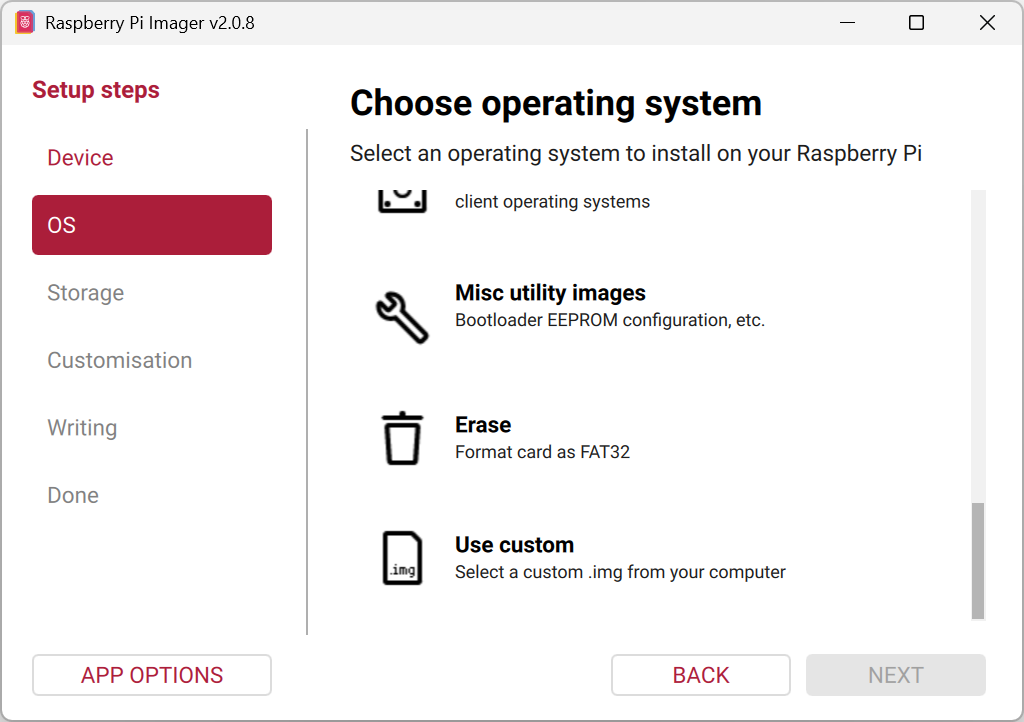
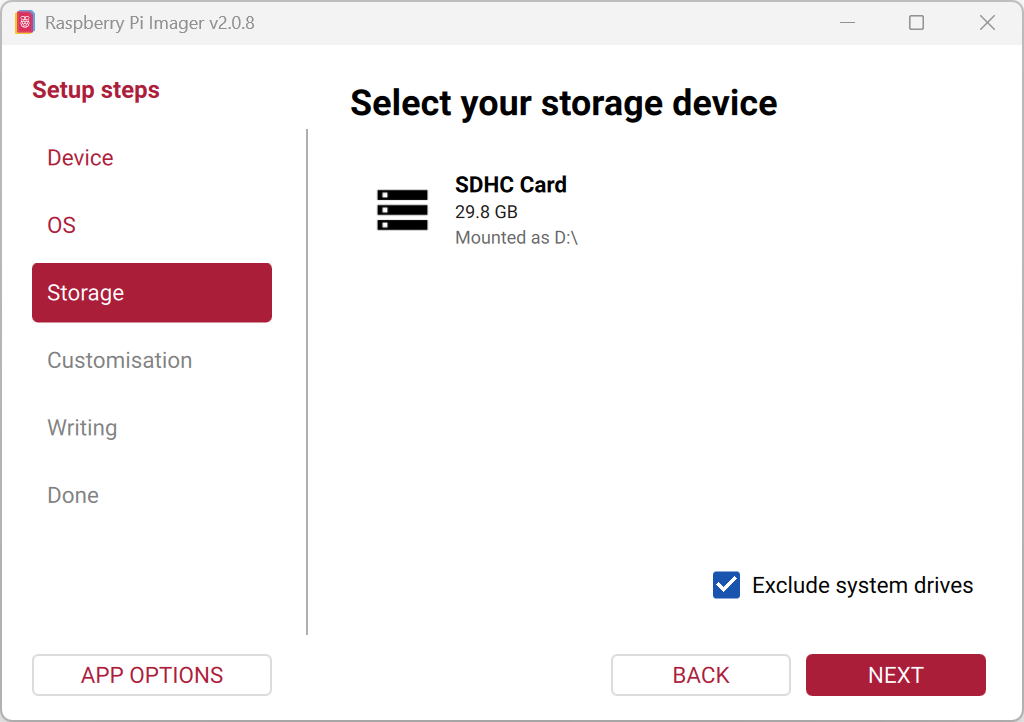
- Select the downloaded image file and the SD card you want to flash.
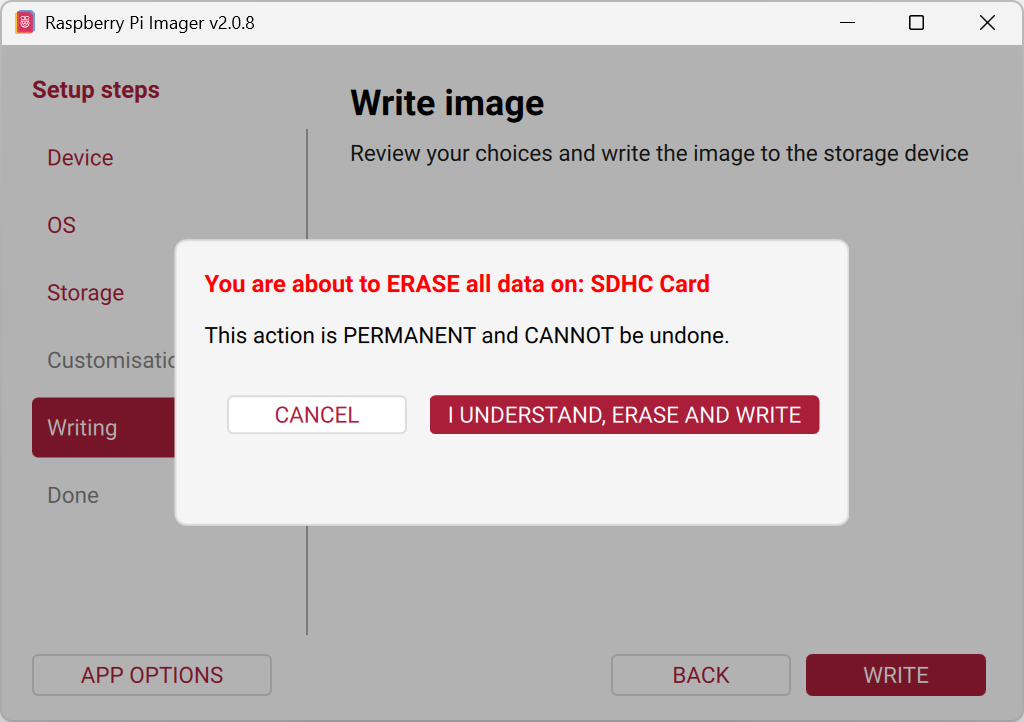
- Click "WRITE".
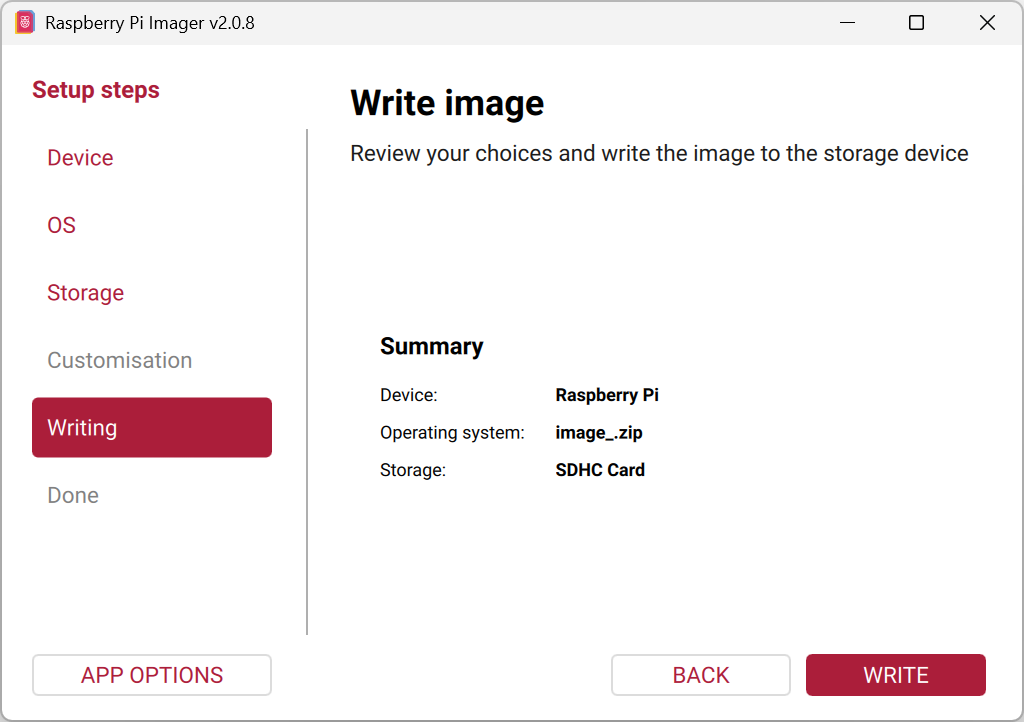
- Confirm the warning message and then wait until the write process is complete.
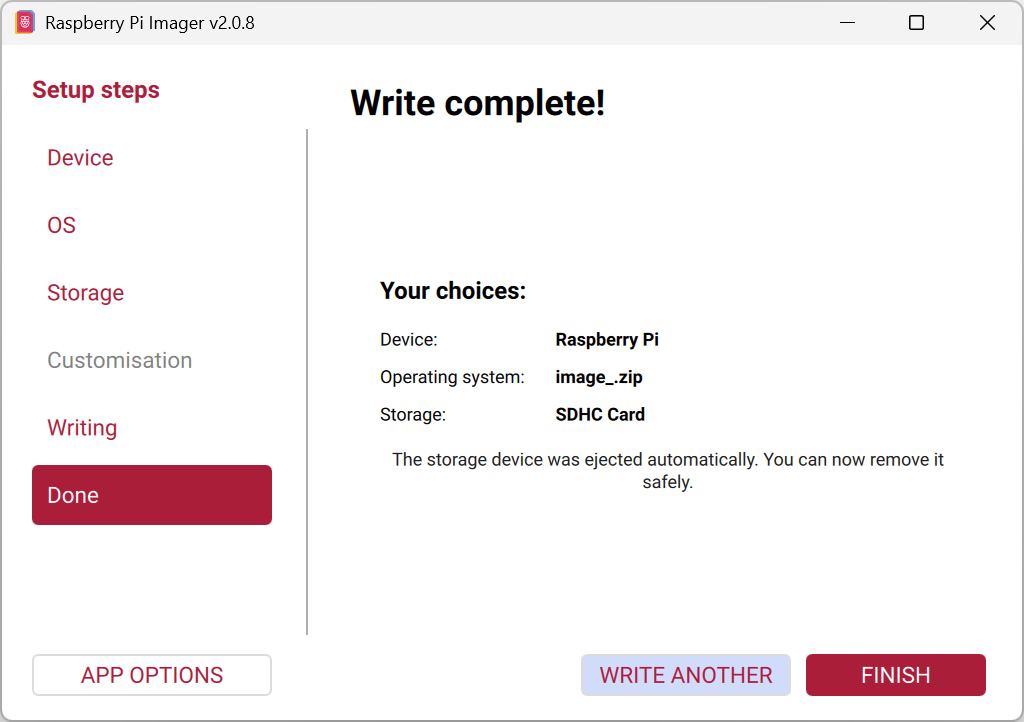
- Click"FINISH".
- Insert the SD card into your Raspberry Pi and turn the device on. Done!
Configuration
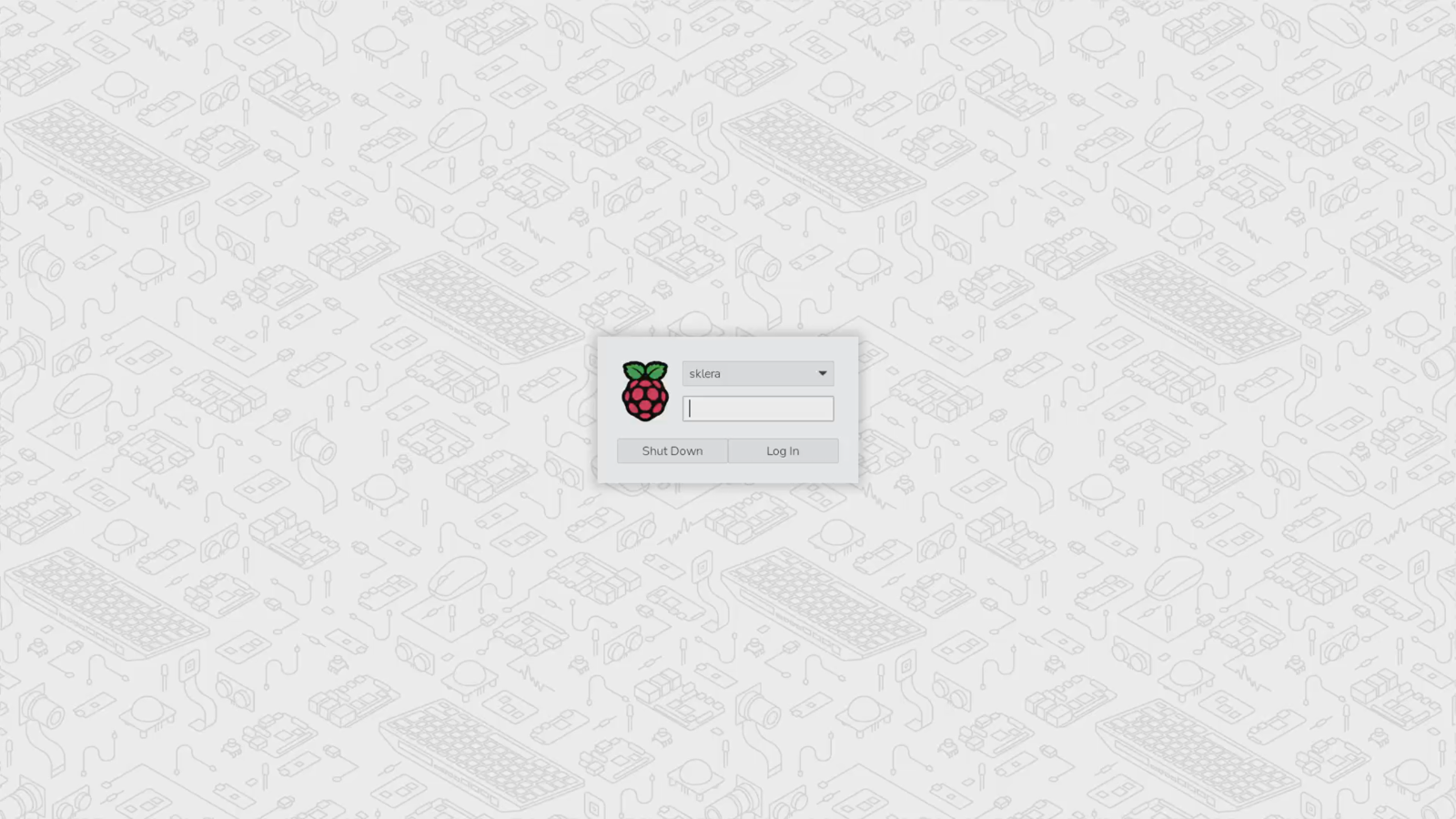
- After the initial boot, the login screen for the user sklera is displayed. Enter the default password sklera314 and click "Log In."
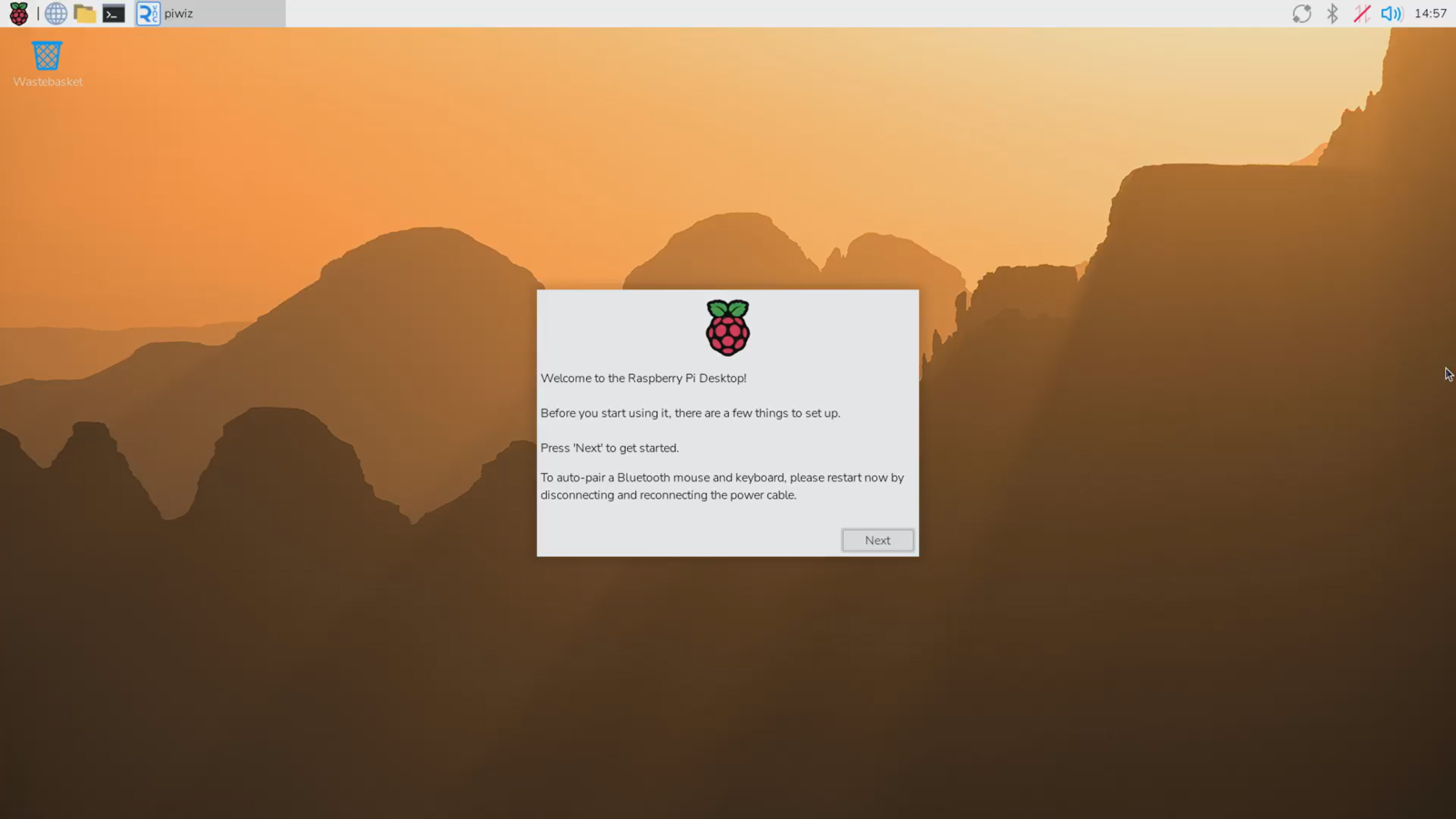
- After logging in, the setup wizard starts automatically. Wait until it is displayed, then click "Next".
- Select the country, language, and time zone.
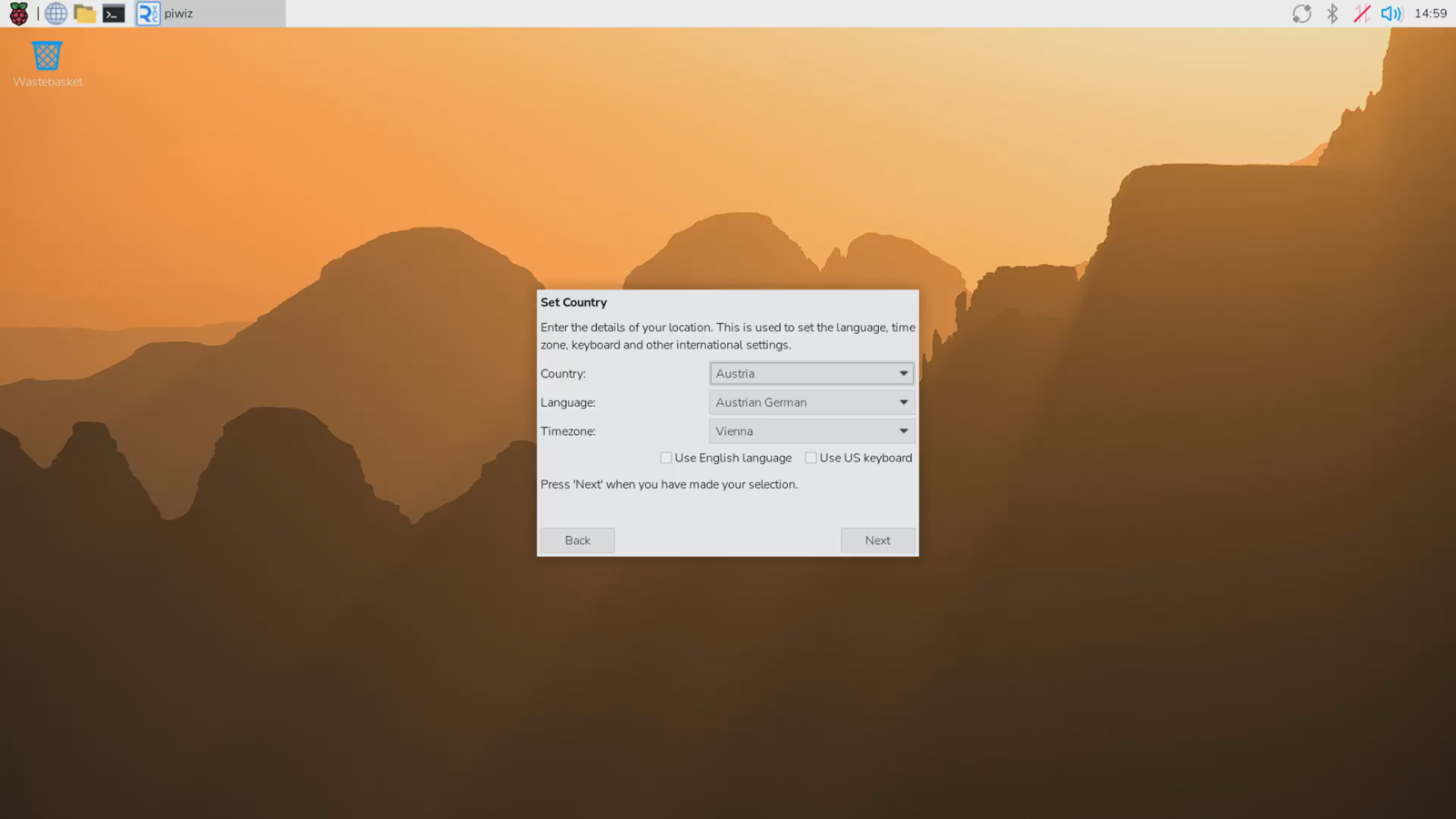
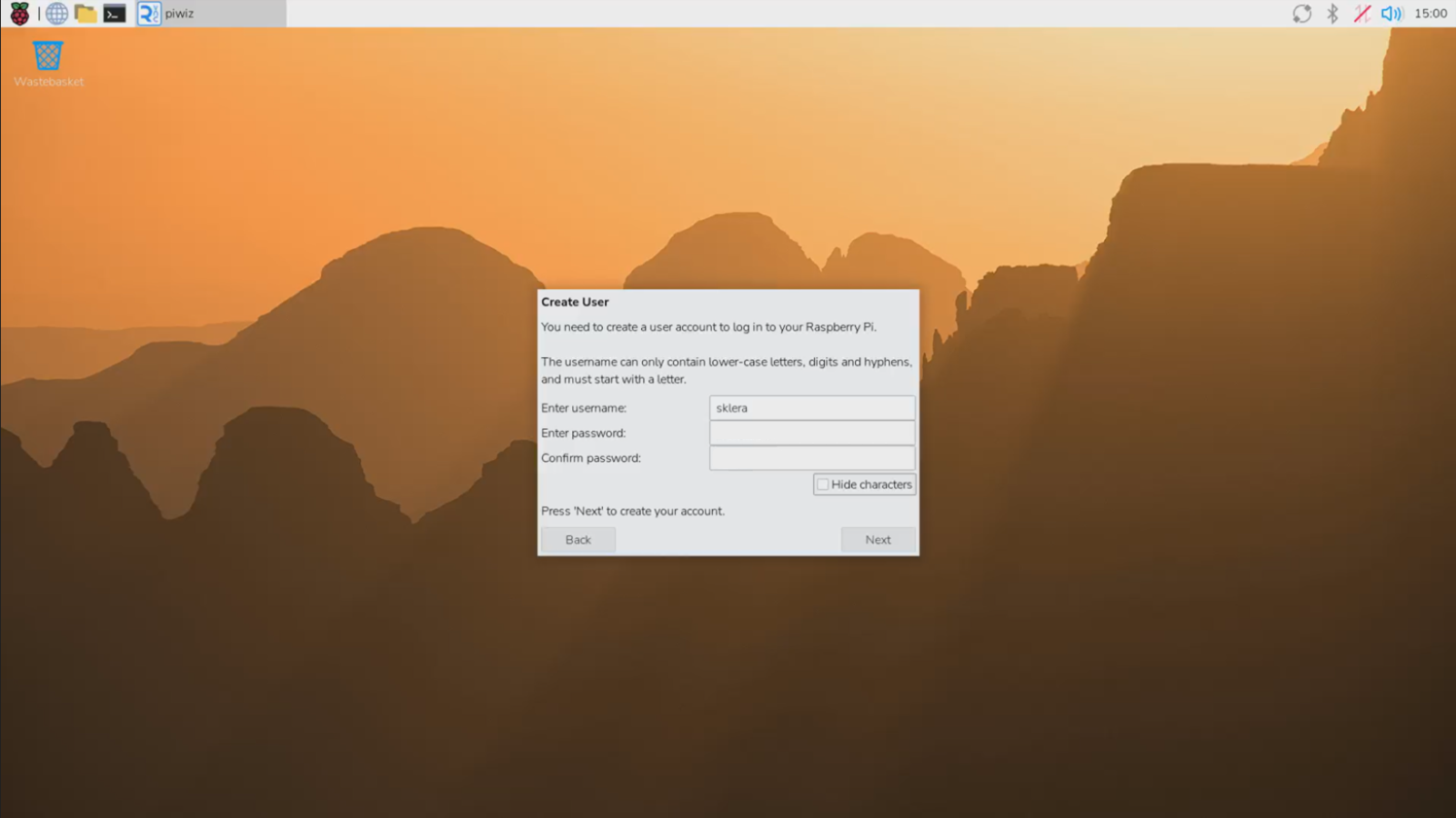
- Important: Use sklera as the username and set a password of your choice.
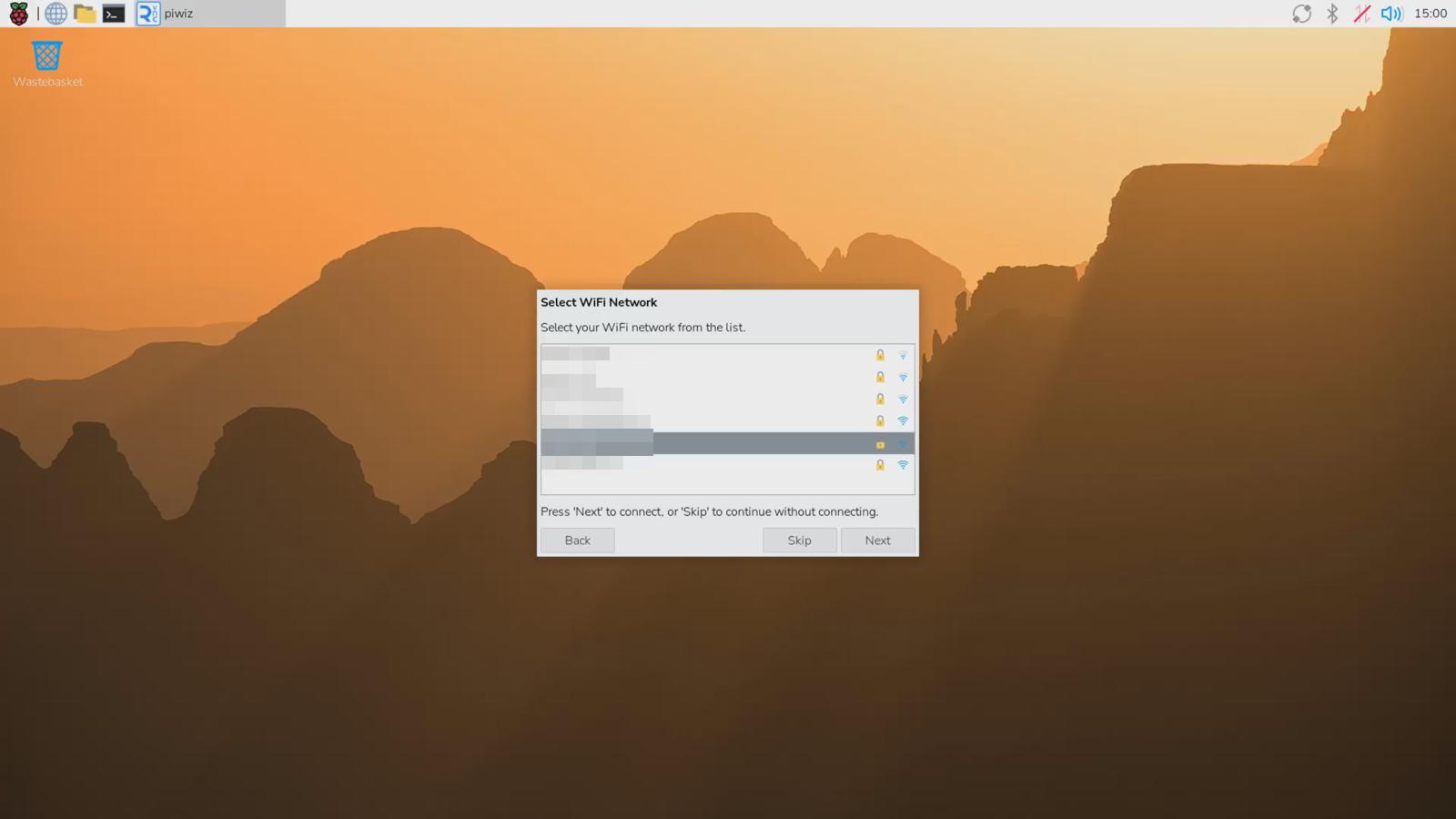
- (Optional) Select your WiFi network.
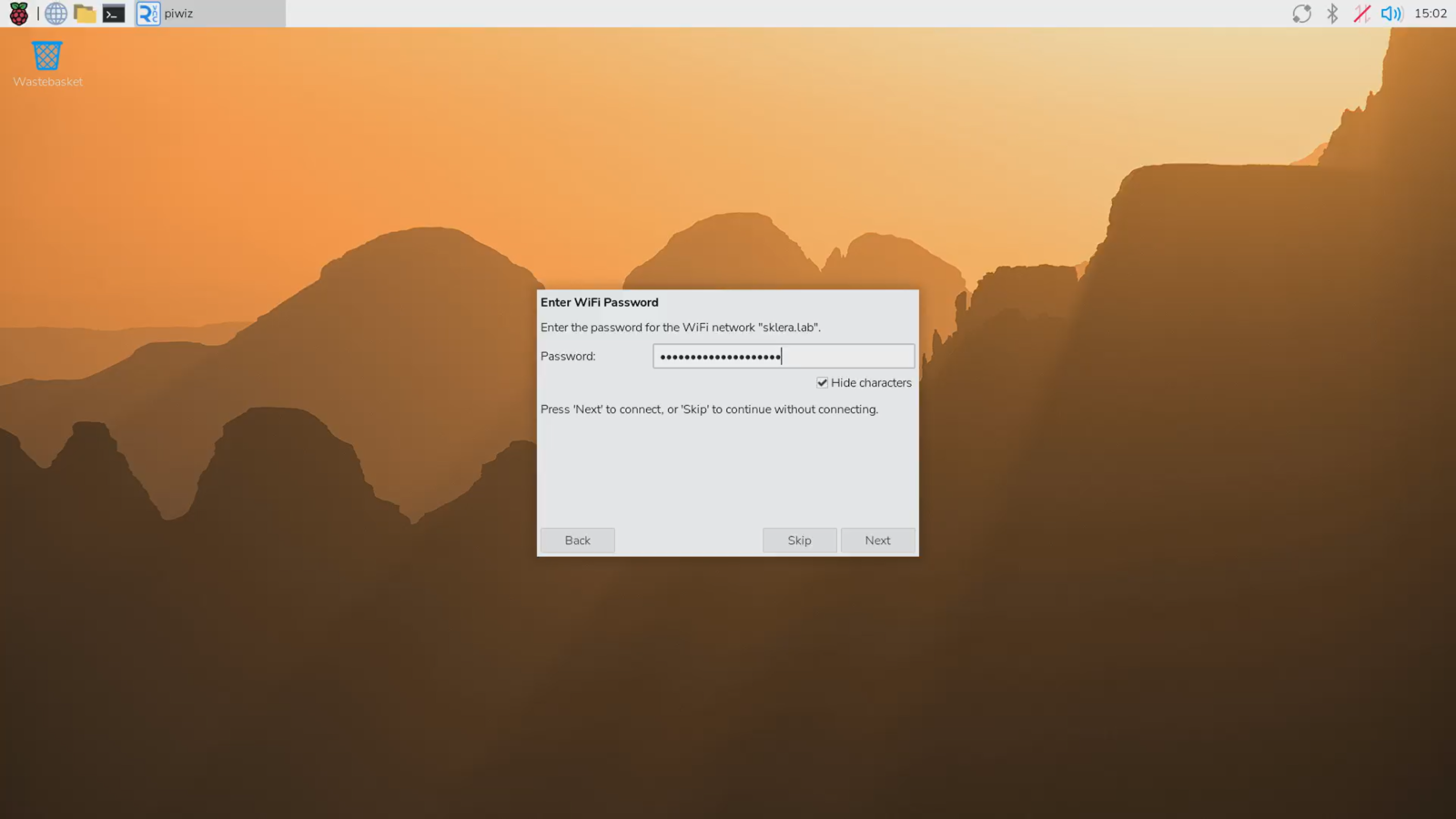
- Enter your WiFi password.
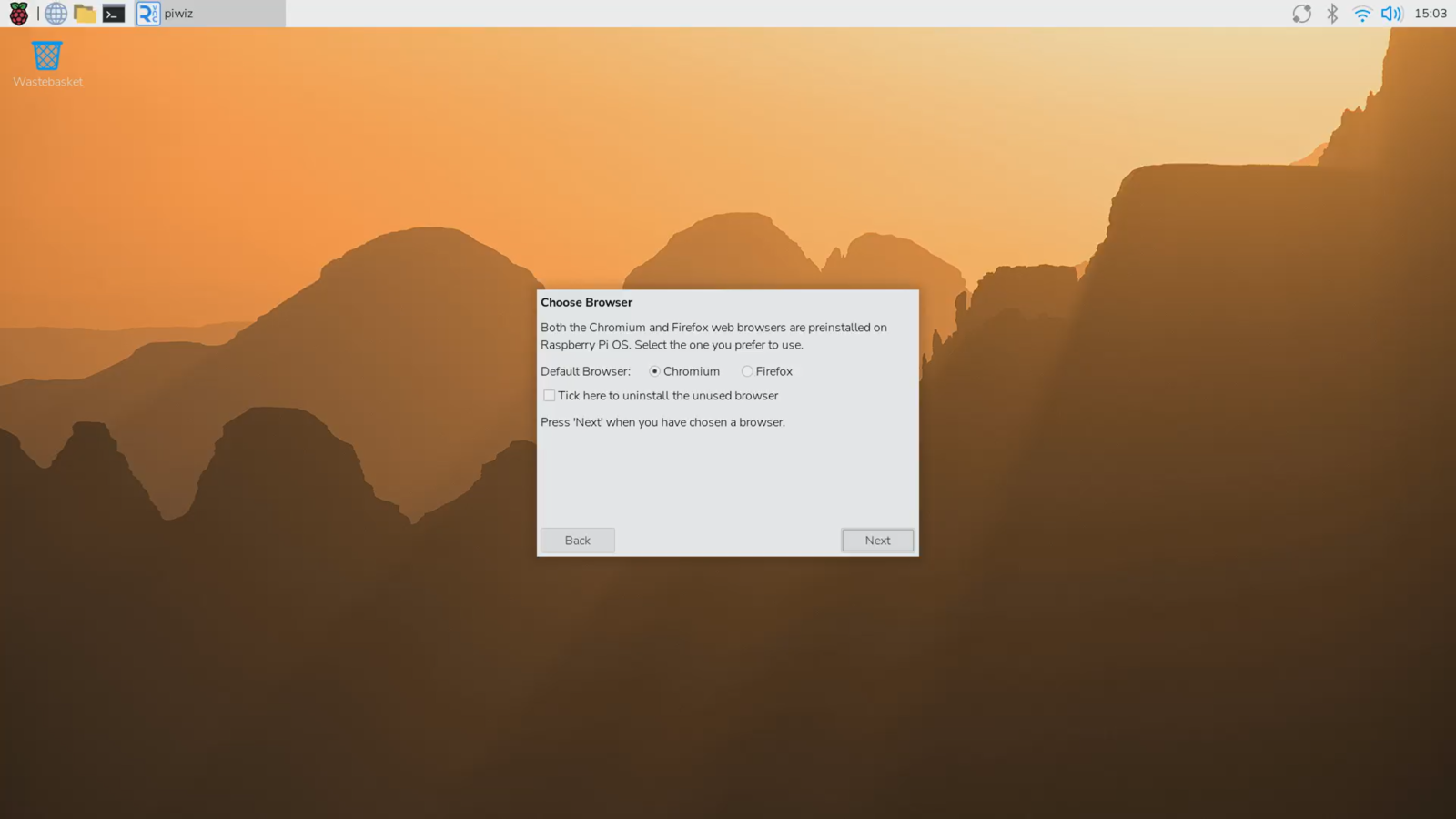
- Leave the default browser unchanged and click "Next".
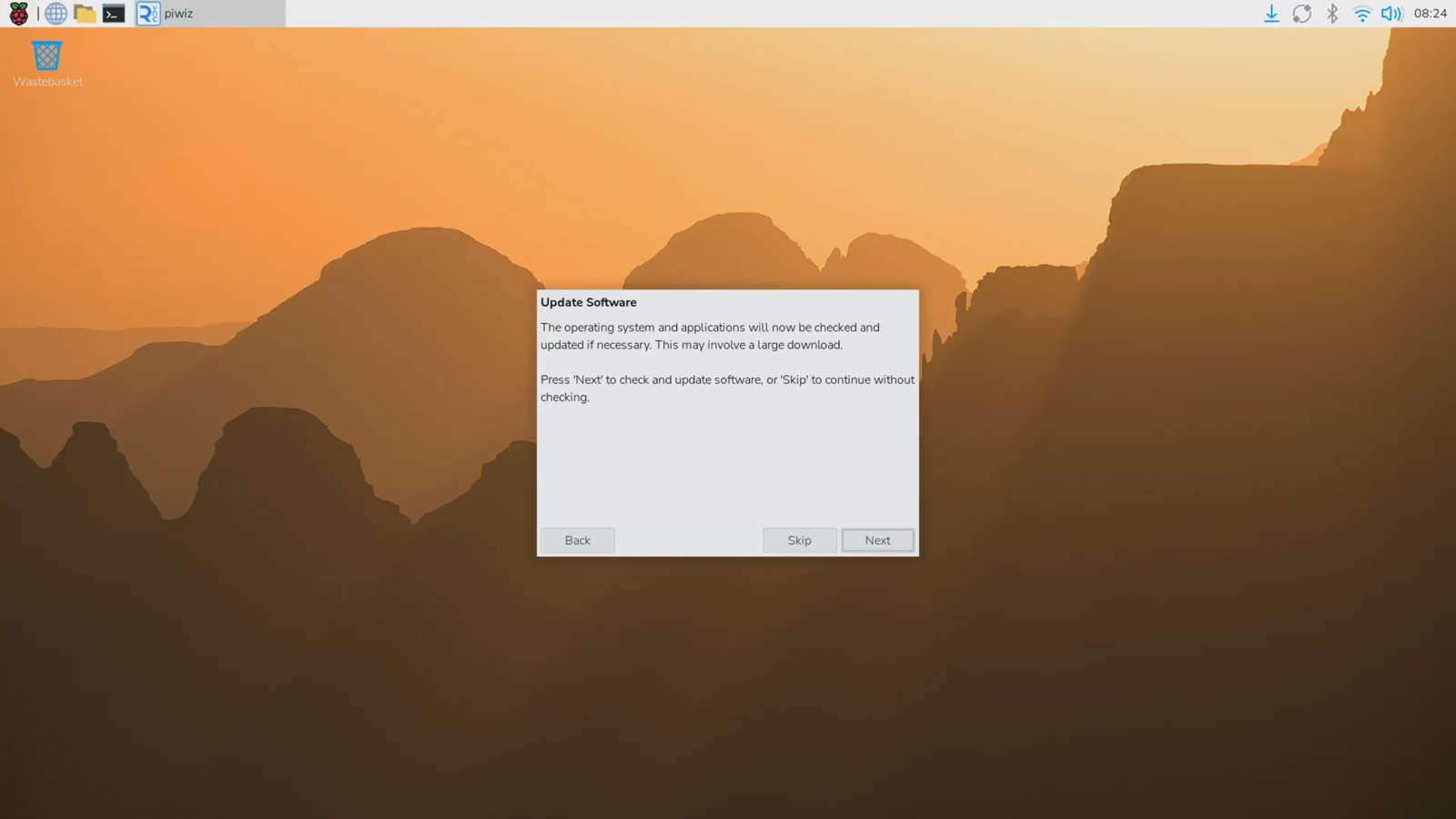
- (Optional) Check if any OS updates are available.
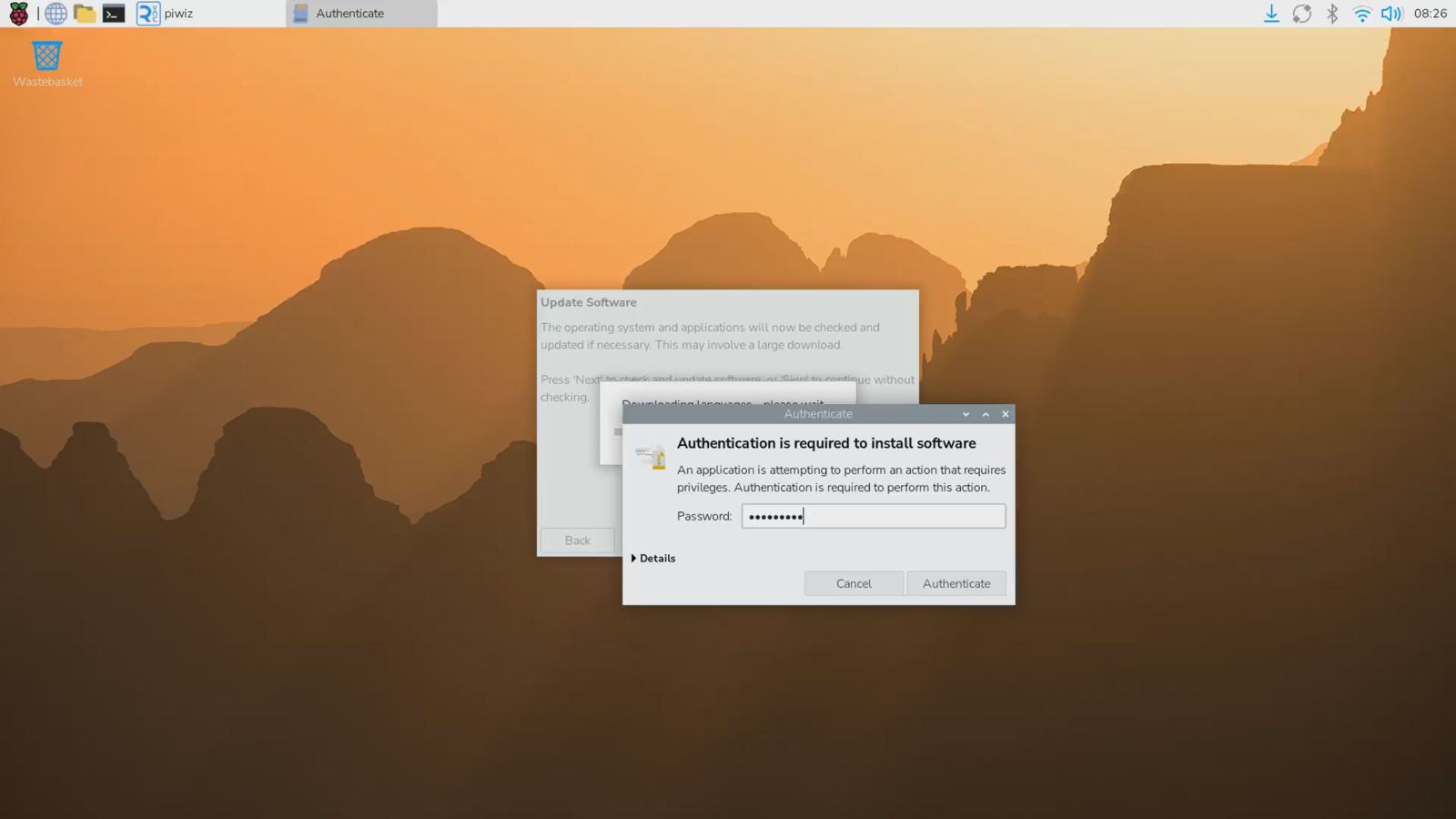
- Authenticate using the default password sklera314 to install the language files.
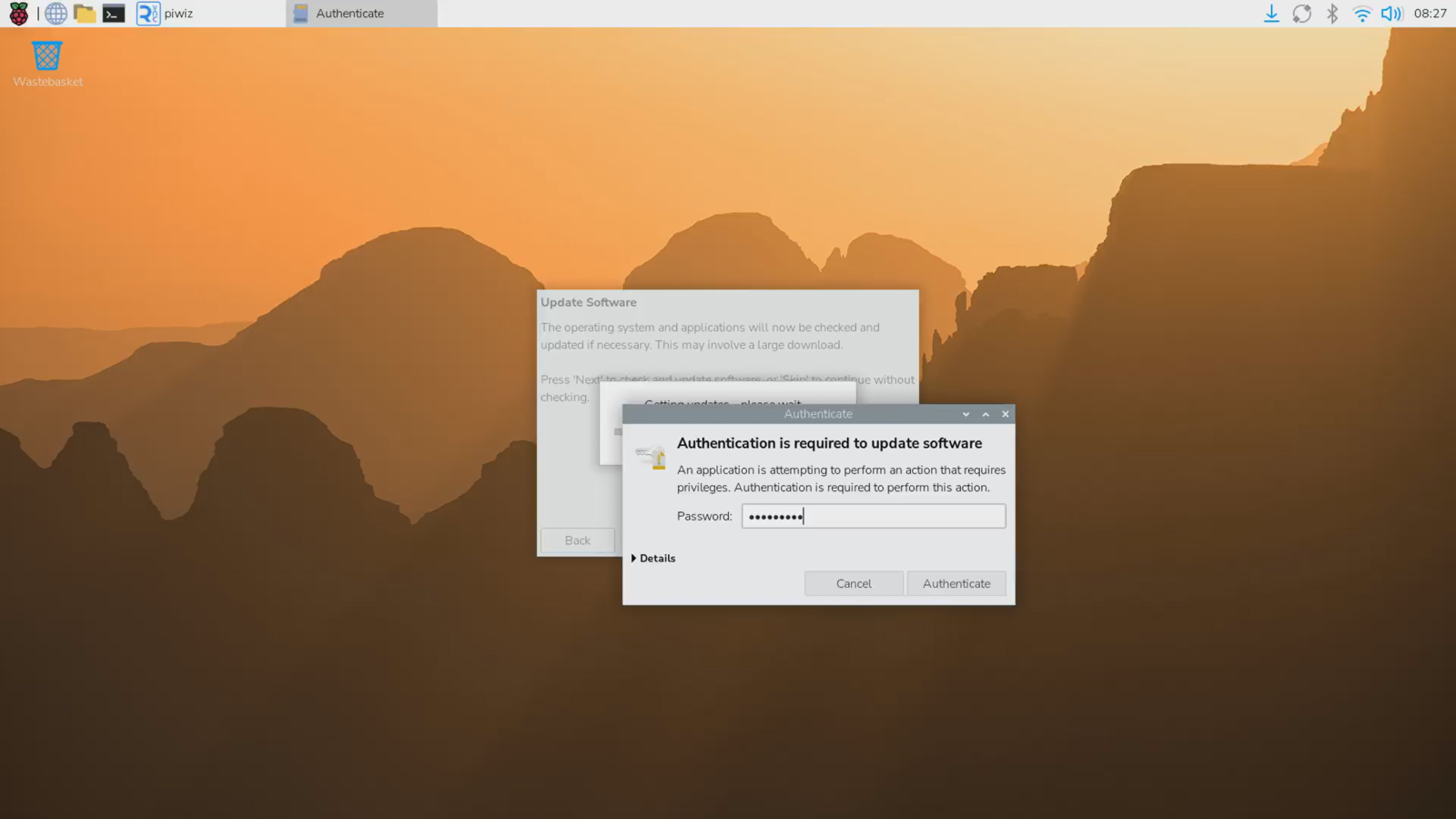
- Authenticate again using the default password sklera314 to proceed with the installation of the updates.
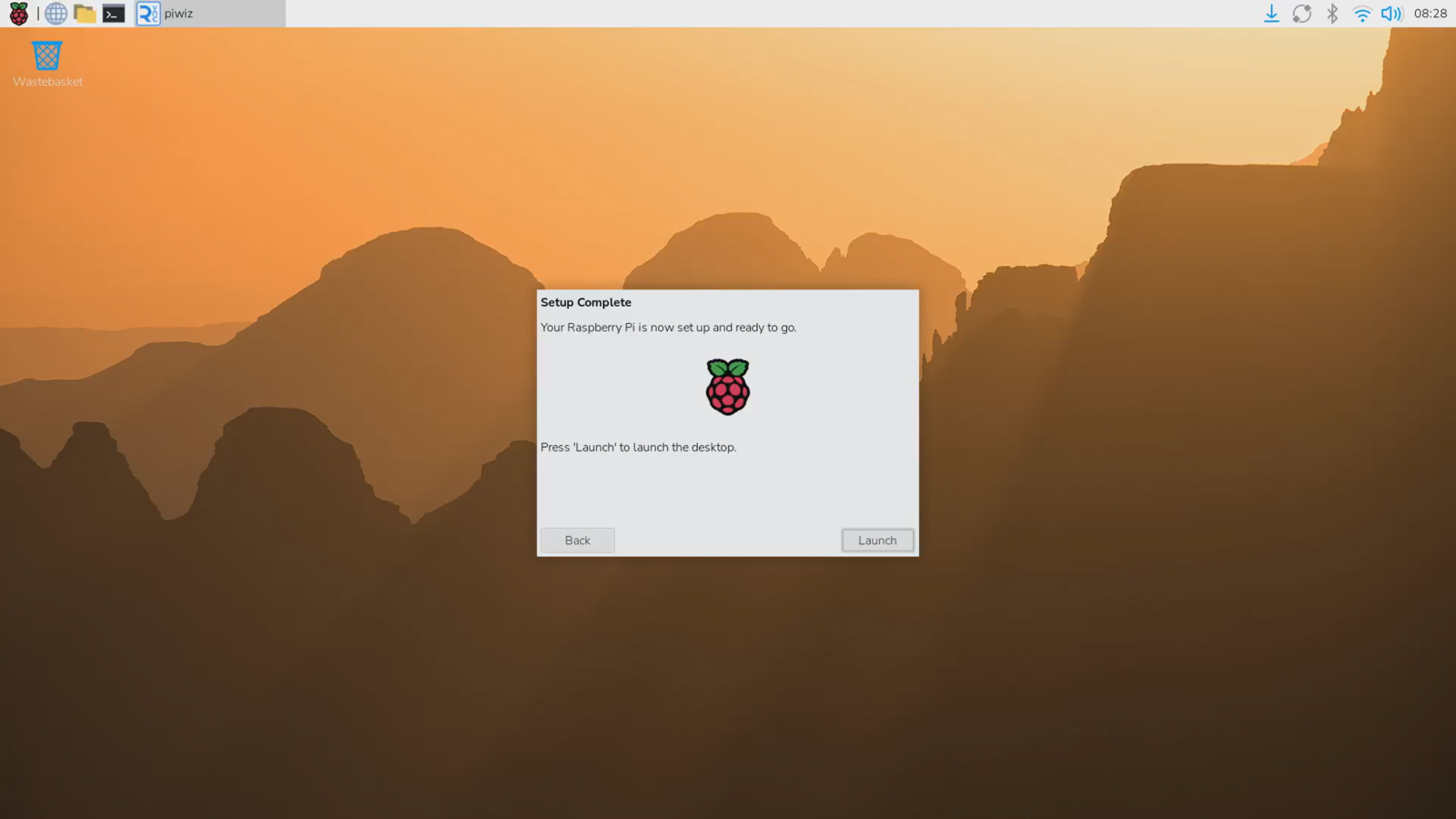
- Click "Launch".
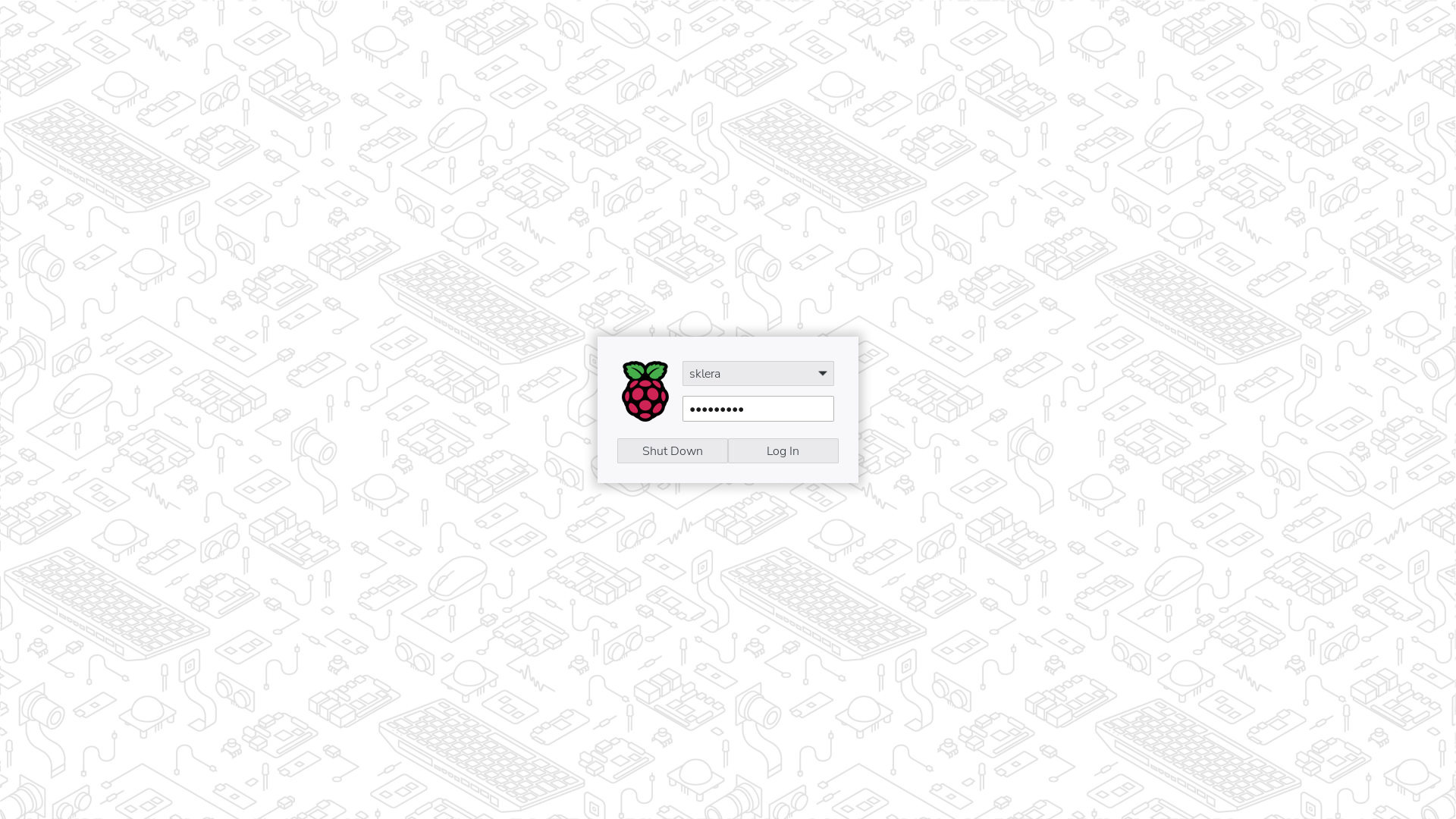
- Enter your password and click "Log In".
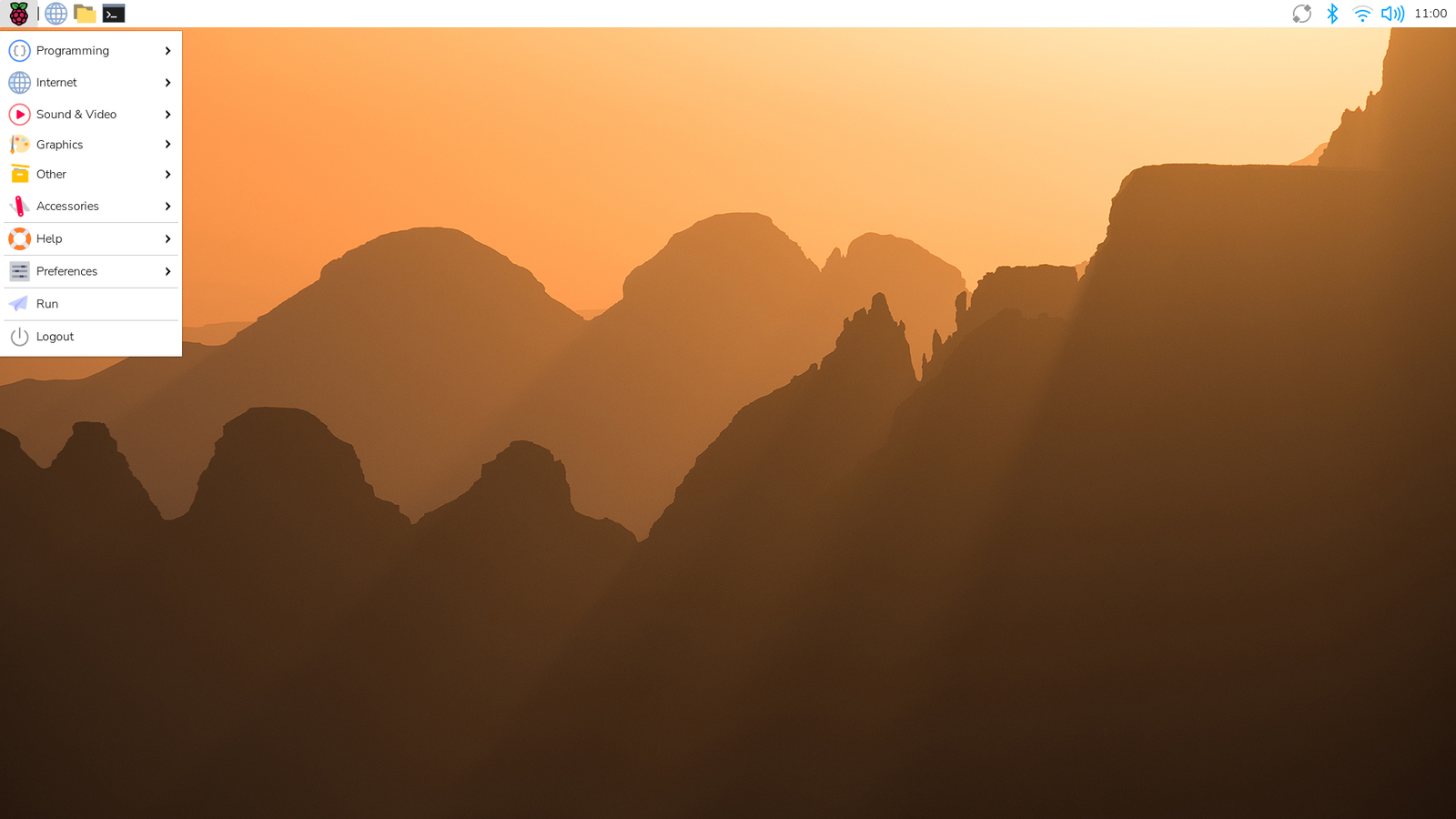
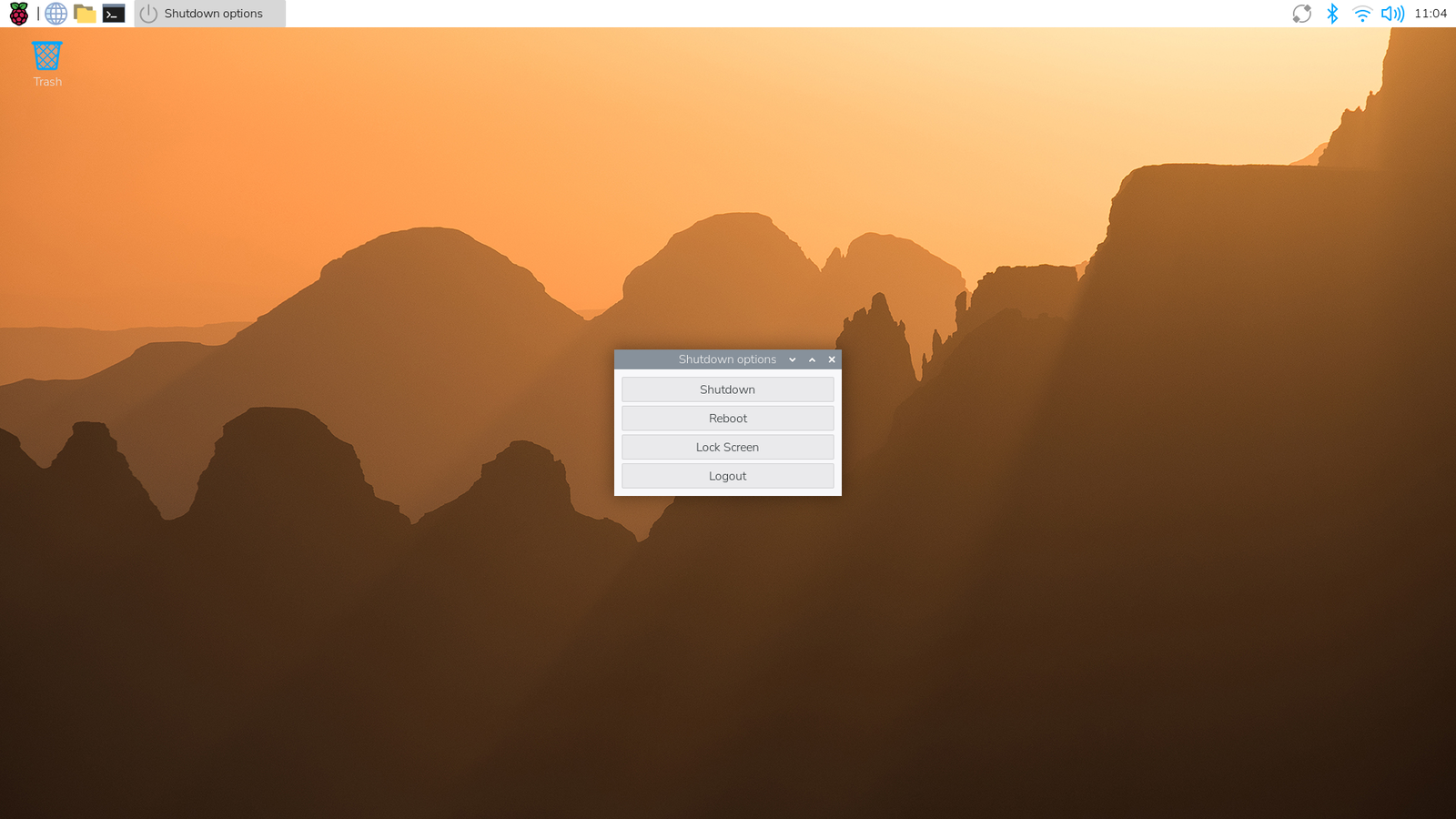
- Restart the device. To do this, select "Logout > Reboot" from the main menu.
- After the restart is complete, the sklera Player starts automatically. Follow the on-screen instructions to add the player to your channel.
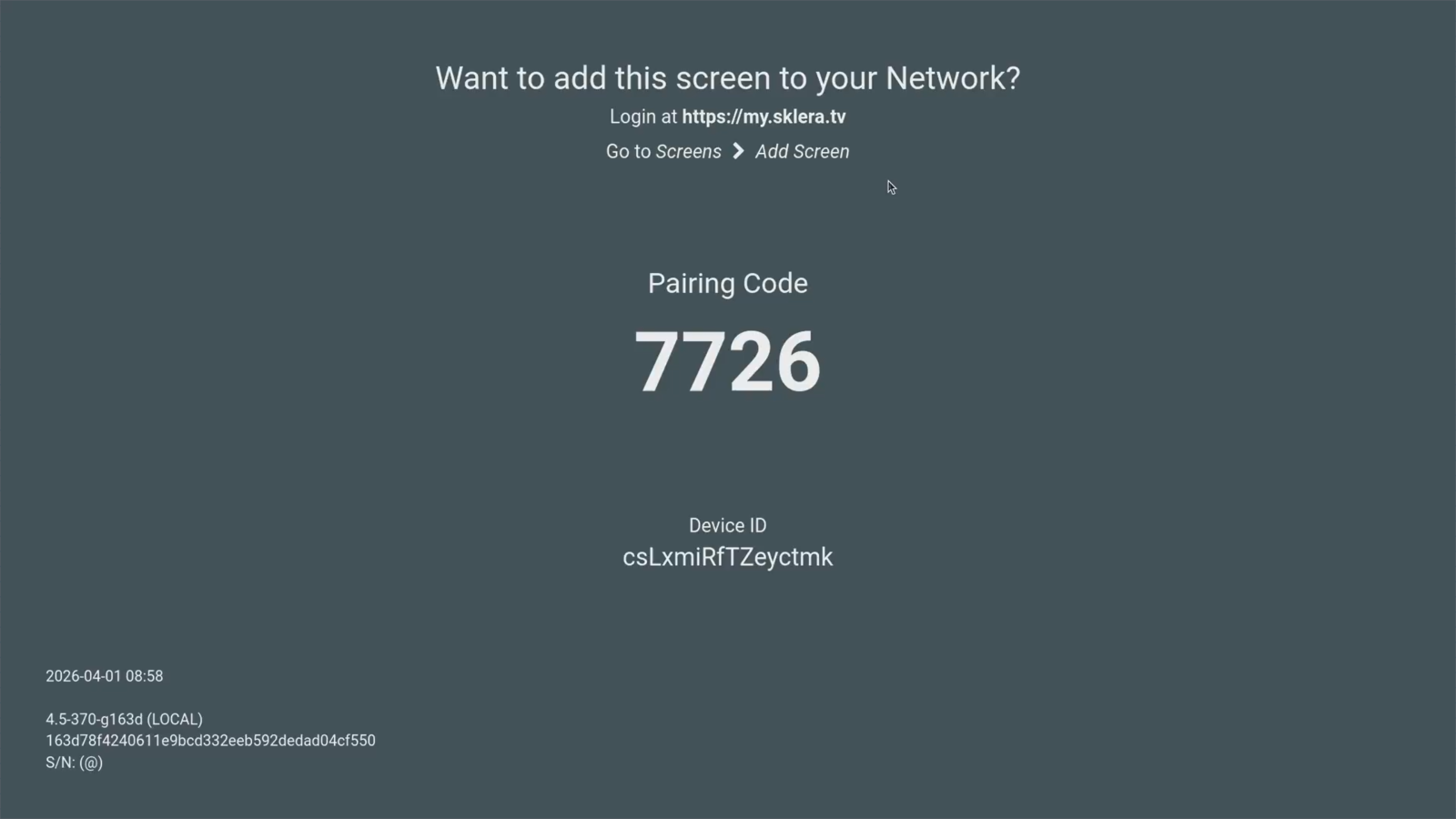
- (Optional) Change the Player-URL to your own environment.
Click the Pairing Code 8 times, then click on "http://start.sklera.at".
Use the "Change Player-URL" button to enter your own Player-URL and apply it by clicking "Save & Reload".
Note: SSH access is enabled by default.
Note on Chromium
This sklera player app is based on the Electron framework. Currently the player app is functionally equivalent to Chrome 124.