
1. General
Starting with ChromeOS 151 (August 11, 2026), migrating to the Progressive Web App (PWA) will be required to continue using the ChromeOS device with sklera. Full support for the PWA is available starting with Player version 4.5.370.
To complete the migration, the PWA must be configured in Google Chrome Device Management (CDM) and set as the application to launch automatically.
The required configuration steps are described in the following sections.
2. Setting Up the PWA App in the Google CDM
Configure the PWA App in the Google CDM as described in our guide: ChromeOS / ChromeOS Flex (PWA)
3. Set auto-launch
Set the PWA app as the "Auto-launch app" in the relevant organizational units to ensure it starts automatically on system boot.
Note that the setting is applied locally at the OU level (Locally applied). Alternatively, it can be inherited from parent OUs (Inherited from ...).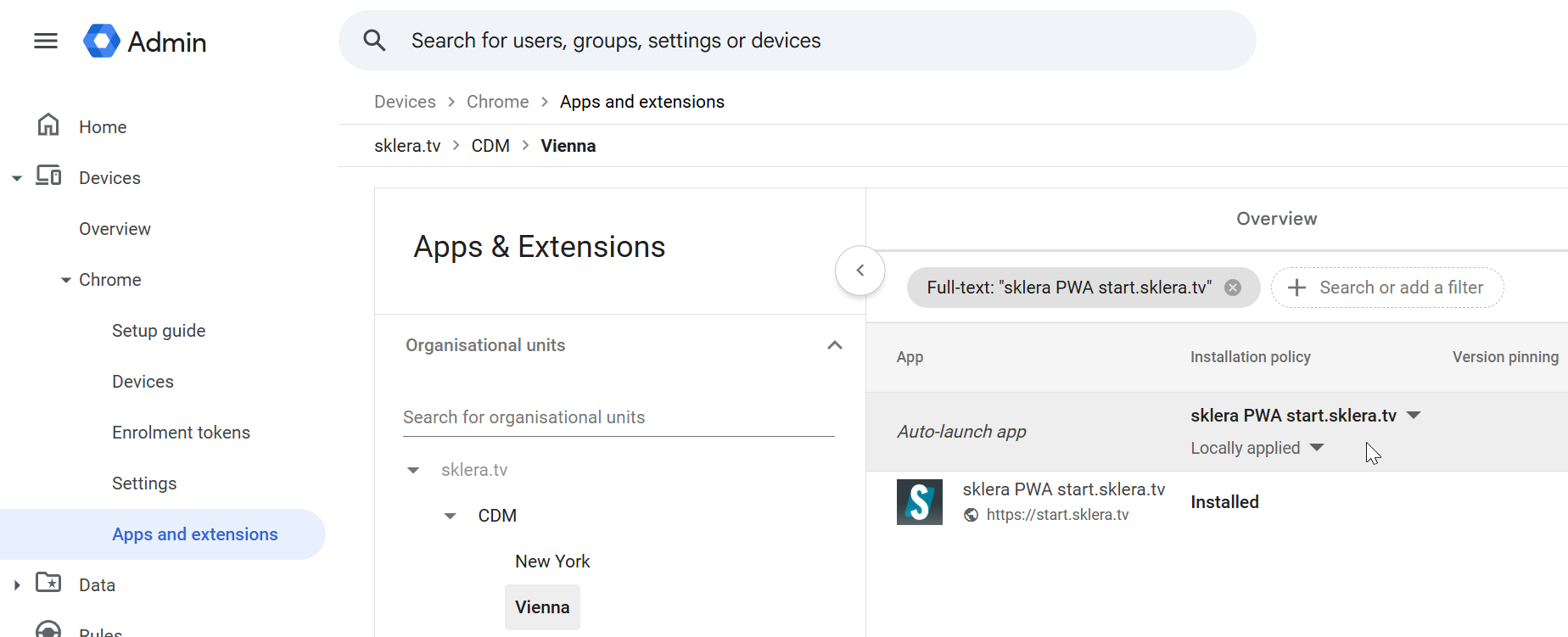
4. Restart the player
Reboot your ChromeOS device. The sklera Player PWA App will launch automatically afterwards.